TL;DR
- A table of contents lifts citations three ways: a dense 50 to 200 word summary chunk retrieval scores first, anchor targets for section-level deep-links, and a comprehensiveness signal.
- In our May 2026 study of 153,425 citations, Gemini used structured URLs on 84.1% of its 13,487 cited links.
- Anchor fragment URLs in GSC (page#section) are sitelinks, not indexed duplicates.
- Google's John Mueller confirmed in June 2024, and again on Bluesky in February 2025, that they are on-page sitelinks, not a canonicalization problem.
- The real requirement is heading hierarchy: H2s must mark genuine topic transitions so chunking splits cleanly.
- Skip the TOC on posts under 1,000 words, H3-only listicles, and news posts.
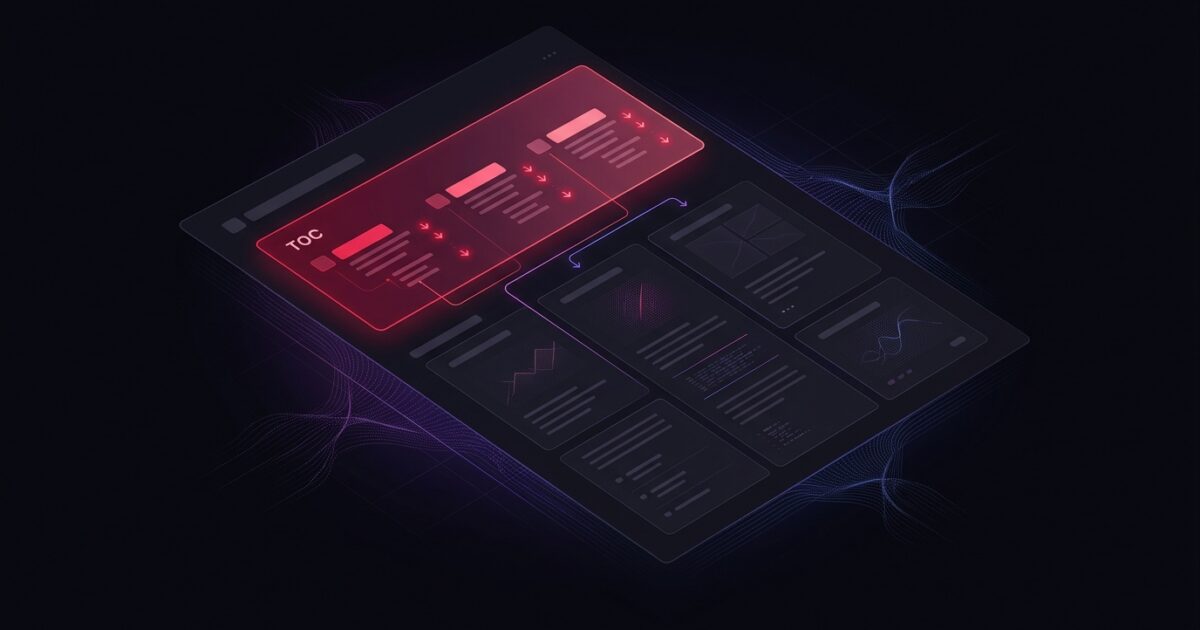
A table of contents does three things for AI retrieval: it exposes your document’s topic structure as a dense, scannable chunk; it creates anchor link targets that AI engines use when deep-linking to cited sections; and it signals document comprehensiveness to the retrieval pipeline before it reads a single body paragraph.
This post covers the mechanism, the GSC anchor-fragment behavior our team sees in practice, how TOC structure connects to content chunking for AI retrieval, and when a TOC adds no value at all.
What a TOC does for AI retrieval
AI retrieval pipelines embed and score chunks of a page against an incoming query. The table of contents is itself a high-density chunk: it compresses the entire document into 50 to 200 words of heading text. When a query matches the TOC chunk, the page rises in retrieval before the pipeline reads the full body.
Second, each TOC entry is an anchor link. Those anchors create jump targets that AI engines can use when citing a specific section. In our May 2026 study of 153,425 citations, Gemini used structured citation URLs in 84.1 percent of its 13,487 citation URLs. Pages with clean heading hierarchies and TOC anchor IDs give retrieval systems more precise citation targets than pages with flat structure.
Third, a TOC signals comprehensiveness. A retrieval pipeline scoring a page against a broad query uses structural cues as quality proxies. A document with a clear TOC covering multiple subtopics scores higher on the comprehensiveness heuristic than an identically-worded page with no visible structure. Our top-of-page positional data shows that 74.9 percent of cited sentences in our May 2026 study appeared in the first half of the document. A TOC placed near the top puts a representative summary of the whole document where that bias operates.
The GSC anchor-fragment effect: what it actually means
Sites with TOC plugins often notice something unexpected in Google Search Console: URLs like page-slug#section-heading appearing in the Performance report, sometimes at higher average positions than the parent page. This triggers concern about canonicalization problems or duplicate pages. Google’s Search Advocate John Mueller addressed this directly in June 2024 and again in early 2025.
Mueller’s explanation on LinkedIn: “In case you’re seeing URLs with ‘#’ in them in Google Search Console: these are from on-page sitelinks, and are not related to canonicalization.” He added that “Sitelinks are counted separately in the performance report.”
His 2025 follow-up on Bluesky elaborated: “Sometimes search uses anchors, as in links with #hashtags, to link to a specific part of a page. You see that when you click on a link in the search results and it highlights a sentence (called ‘text fragments’). Sometimes this is used to report in Search Console in your performance report. That’s where these are from. They’re not indexed like that… It’s not a sign of a problem.”
SEO analyst Mark Williams-Cook confirmed the mechanism in the same thread: jump link URLs appear as sitelinks under parent URLs in the SERP, inherit the parent’s position, and show as “Not Indexed” in GSC Live Inspect because they are not treated as separate canonical pages. Mueller endorsed that summary.
What this means for TOC strategy: anchor fragment URLs in GSC are anchor sitelinks, not competing pages. They are evidence the page is earning jump-link treatment in Google’s results, which is a structural quality signal, not a problem to fix. We have seen this behavior on several client pages after adding structured TOCs, and we frame it as a positive indicator of citation-level precision.

Heading hierarchy is the real requirement
A TOC is only as good as the heading structure underneath it. The TOC renders from headings; if the headings are flat, repetitive, or keyword-stuffed, the TOC inherits those problems. The structural work happens at the H2 and H3 level, and the TOC is the output.
H2 discipline means each H2 covers a distinct subtopic and could stand alone as a complete answer to a narrow question. A post on TOC strategy should have H2s like “What a TOC does for AI retrieval,” “The GSC anchor-fragment effect,” and “When NOT to add a TOC,” not “Introduction,” “More Details,” and “Conclusion.” The first set names entities. The second is navigation noise.
H3 discipline means each H3 is a genuine subdivision of its H2, not a visual break. If a section has only one H3, either it needs to be an H2, or the H3 is unnecessary. TOC plugins that list every H3 at the same indent level as H2 produce a flat list that conveys no hierarchy. Configure the plugin to show H2s with H3s nested underneath, or omit H3s from the TOC entirely for shorter posts.
The content chunking for RAG retrieval guide explains why H2 boundaries matter at the chunk level: retrieval pipelines often split pages at heading boundaries. A page where H2s mark genuine topic transitions chunks cleanly. A page where H2s are decorative produces chunks that mix topics, reducing retrieval precision. The TOC makes that boundary structure visible before the AI pipeline processes the body.
TOC structure that works
The pattern that consistently produces clean structural signal:
- Place the TOC in the top 15 percent of the page, immediately after the intro paragraph or TLDR. The summary chunk needs to be where positional bias operates.
- List every H2. Include H3s only when the post has four or more H3s under a single H2 that a user would genuinely want to jump to.
- Each entry must be a real anchor link pointing to the heading’s ID. A bullet list of heading text without hrefs is decoration, not structure.
- Use descriptive heading text in entries. “How AI Engines Use TOC Anchor Links” outperforms “TOC and AI” as a TOC entry because it names a complete entity relationship.
- Make the TOC visually distinct from body text. Boxed, indented, or lightly styled containers help both users and AI crawlers identify the block as a summary rather than body content.
- Ensure the TOC renders server-side or in static HTML. JavaScript-injected TOCs may be invisible to crawlers that do not execute JS fully.
Our site runs an auto-TOC on posts over 1,000 words. The theme generates it from heading tags at build time, which means it is always in sync with the actual heading structure, never stale. Manual TOCs need to be updated every time a heading changes, which makes them unreliable at any publication volume above a few posts per month.
How TOC connects to the broader GEO signal stack
TOC structure does not operate in isolation. It is part of a signal stack where each layer reinforces the others. A page with a clean TOC but poorly structured body sentences still underperforms. A page with atomic sentence structure in the body but no TOC misses the chunk-level summary that helps retrieval systems score the page before reading it in full.
The connection to internal linking is also direct. TOC anchor links are internal links of a specific type: they point to sections within the same page. The anchor text rules for internal links apply here too. Descriptive TOC entry text outperforms vague entry text for the same reason descriptive cross-page anchors outperform generic ones: both are entity labels the retrieval system reads.
Our GEO content audit framework treats TOC presence and heading hierarchy as scored dimensions alongside schema markup, anchor text quality, and readability distribution. In client audits, missing or malformed TOC structure is frequently the cheapest fix available on pages that are already ranking in organic but not getting cited by AI engines.
When NOT to add a TOC
Three cases where a TOC adds no value or creates noise:
| Content type | TOC verdict | Reason |
|---|---|---|
| Under 1,000 words | Skip | The TOC is bigger than the navigational value it provides |
| Listicle with H3-only structure | Skip or summarize | A TOC of 20+ H3 entries overwhelms; use a one-sentence summary instead |
| News or chronological post | Skip | Headings are narrative beats, not jumpable topic sections |
| Long how-to guide, 2,000+ words | Add | Clear sections earn jump-link treatment and chunk cleanly for retrieval |
| Pillar page or comprehensive guide | Add | High comprehensiveness signal; TOC chunk matches broad queries |
The rule of thumb: add a TOC when a user would genuinely benefit from jumping to a specific section. If the content reads as a single argument that builds linearly from start to finish, the TOC is decoration. If it covers four or more distinct subtopics any of which could be read in isolation, the TOC earns its place and its citation-surface contribution.
Track the structural impact alongside your citation velocity metrics. Pages that earn anchor sitelinks in GSC after a TOC addition are pages where Google’s rendering pipeline recognized the heading structure and surfaced it as navigable sections in results. That recognition is the mechanism; the AI search analytics data shows whether it translated into citation lift.